Most "best AI tools" lists are written by twenty-eight-year-olds selling to marketing agencies.
That matters more than it sounds like it does. An agency wants volume. They measure a tool by how many videos it lets them push out in a week across a dozen clients. A young creator wants reach. They measure a tool by how viral one clip might get.
You are neither of those people.
You have twenty or thirty years of expertise that nobody online can see yet. This guide isn't for someone trying to scale content production. It's for an experienced professional trying to prove, in a format people trust, that the knowledge is real. If you came here looking for a tool to help you post more, you're one page early. If you came here looking for a tool to help you finally be seen, keep reading.
The Wrong Question, and the Right One
"What's the best AI tool" is the wrong starting question. It assumes every tool is chasing the same goal, and you're just picking a winner.
They're not. A tool built for scale optimizes for output. A tool built for authority optimizes for trust. Those two goals pull in opposite directions more often than people expect. An agency wants to hide the seams so nobody notices a video was assembled in six minutes. You want the opposite. You want to look like exactly what you are: an experienced professional who found a faster way to show up.
The right question is narrower. What does this tool let me prove, and to whom?
Answer that first. The tool choice gets easy after.
What follows are the categories that actually matter for someone building visible authority from decades of expertise, not the categories that matter for a content farm.
AI Avatar and Video
What this solves: you don't want to be on camera. Maybe you never have been. Maybe you used to be, in a boardroom or a classroom, and don't want to start filming yourself now. Maybe the idea of talking to a lens makes your stomach turn the same way public speaking used to. An AI avatar removes that barrier entirely. You write or speak what you know. The avatar delivers it, on camera, so you don't have to be.
I use HeyGen for this every week. It's the tool behind the avatar you've likely seen on this site, and it's the reason I have consistent video content without ever turning one on myself. The goal isn't to trick anyone into thinking it's a live feed. Most people can tell within a few seconds that it's an avatar. That's fine. What matters is that it delivers real expertise clearly, on a schedule I can actually keep, which a camera and a ring light never let me do consistently.
If you want the specifics before committing: the full pricing breakdown covers what every current plan actually costs, and the six-month review covers what held up and what didn't after daily use.
Synthesia is the other name that comes up constantly in this category, often in the same breath as HeyGen, and the two get compared enough that it's worth understanding where they actually differ before committing to either one. Short version, covered in full in the HeyGen vs Synthesia breakdown: HeyGen wins on expressiveness, which is what a personal voice needs. Synthesia wins on governed consistency, which is what enterprise training content needs. You're building the first thing, not the second.
If budget is the deciding factor and you need longer-form video, not just short talking-head clips, Synthesys.io is worth knowing about too. It's the cheaper option once a video runs past a few minutes, at the cost of some of HeyGen's top-tier realism. Covered alongside three other tools in the best AI video tools round-up, organized by the actual jobs in a content pipeline rather than by which avatar tool has the biggest library.
AI Voice
What this solves: your voice carries part of your credibility, even when your face never appears. A flat, robotic voiceover undercuts trust the same way a limp handshake would. ElevenLabs is the tool I use to keep a natural-sounding voice consistent across video, audio, and anything that needs narration.
Here's the part people underestimate: an audience already skeptical of AI-generated anything will forgive an avatar face faster than it will forgive a voice that sounds like an airport announcement. Voice is where "clearly AI, but still trustworthy" either holds together or falls apart. Get the voice wrong and the credibility gap widens no matter how sharp the content is.
The full ElevenLabs review covers what six months of daily use actually looks like, including the one honest limitation (a credit system that's more confusing than it needs to be). If you're comparing options first, the best AI voice generator round-up ranks it against Murf and WellSaid Labs, and the free options guide covers where to start if your budget is zero right now. If ElevenLabs specifically isn't the fit, the alternatives guide breaks down exactly when each competitor actually wins. And if the term "voice cloning" itself is still unclear, this plain-English explainer covers what it actually is and how it works before you evaluate a single tool.
Video Editing and Repurposing
What this solves: creating the raw footage is only half the job. Editing it down, and then turning one long piece into several shorter ones, is where most people either burn hours they don't have or quietly stop publishing altogether.
This is the category that didn't make the first version of this guide, because it wasn't the bottleneck yet. Once you're actually publishing on a real schedule, it becomes one. Descript handles editing by letting you cut a transcript instead of a timeline, which removes the biggest barrier for someone who's never edited video. Opus Clip does one job only: it takes a long recording and finds the strongest moments automatically, so a single podcast episode or webinar becomes a week of shorter clips without you re-watching the whole thing looking for a good thirty seconds. Full breakdown of both, plus a budget generalist option, in the best AI video tools round-up.
Email and Audience
What this solves: every tool above helps you create something. This one helps you keep the people who show up for it. An audience that watches one video and never hears from you again isn't an audience. It's a moment that evaporates the second the algorithm moves on.
Kit, formerly known as ConvertKit, is what I point students toward. It's built for individual creators, not enterprise marketing departments, which means the learning curve matches what you actually need: capture the right people, follow up automatically, and get out of your own way so the relationship does the work instead of you manually chasing it.
The full Kit review covers why its free tier alone, up to ten thousand subscribers, makes it the easiest recommendation in this entire guide. If you're currently on Mailchimp or considering it, the direct comparison covers exactly where a generalist small-business tool stops fitting a one-person expert platform.
Why the Order Matters
Notice the order these were presented in. Avatar and video first, because that's how you show up. Voice second, because that's how you sound trustworthy while showing up. Editing and repurposing third, because that's how what you make stretches further without more hours. Email last, because that's how you keep the people who noticed.
Most guides get this backwards. They lead with whatever tool makes the flashiest demo, then bury audience infrastructure at the bottom as an afterthought. For an experienced professional building a platform from zero, the priority runs in reverse of what most content gets you excited about. The list you're building will matter more, a year from now, than any single video you post this month.
How These Tools Actually Work Together
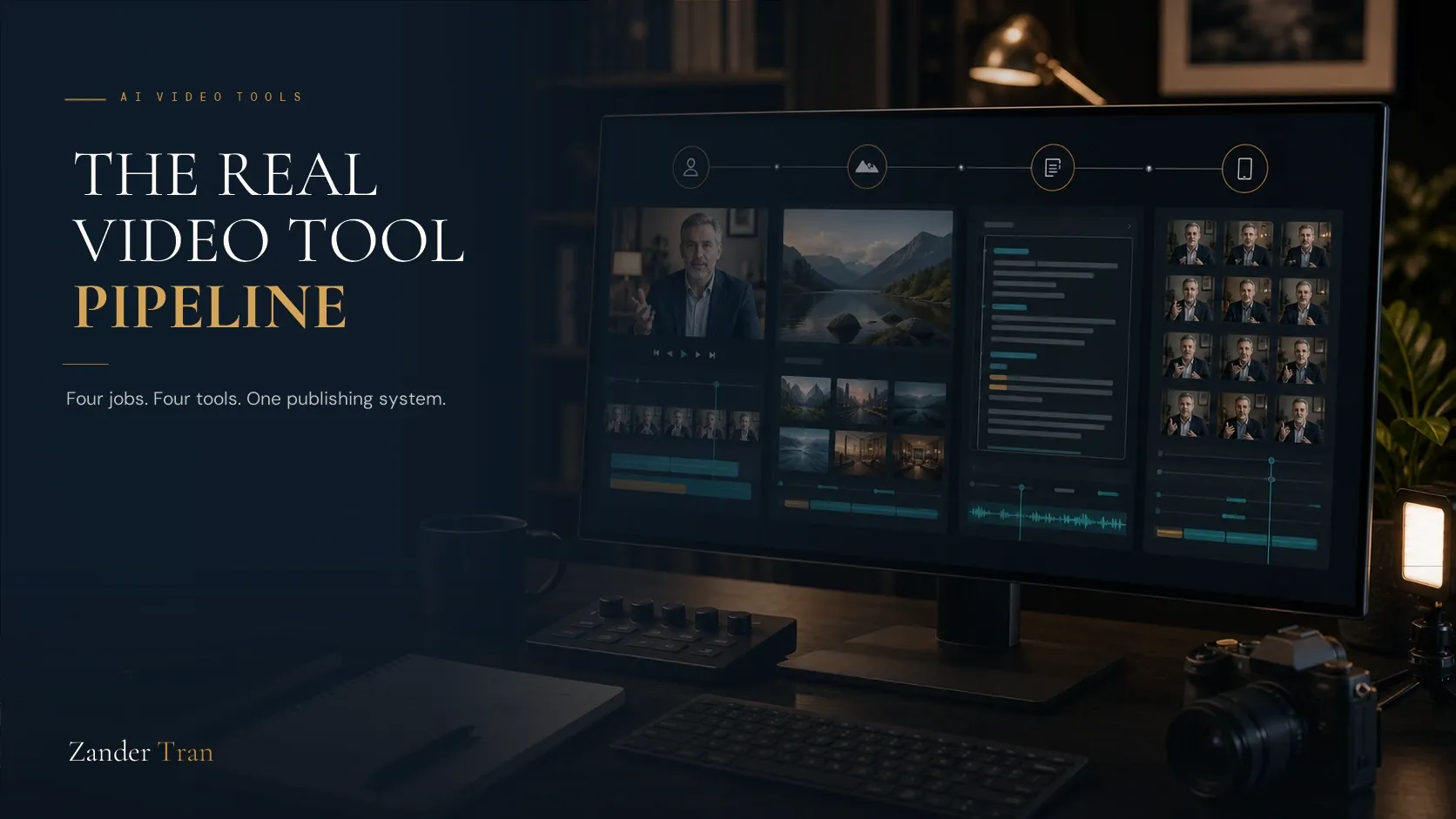
None of these live in isolation. A typical week for me looks like this: write the core idea once, feed it to HeyGen for the avatar delivery, run the narration through ElevenLabs where a longer voice-only piece makes more sense, clean it up in an editing tool when it needs trimming or turns into more than one clip, and let Kit handle everything downstream once someone actually shows up because of it.
That's the whole stack. Four tools, one idea, repurposed across formats without re-recording anything. Compare that to the old way: book a studio, do a take, redo the take because you stumbled on a sentence, edit for three hours, and still only have one format to show for it. The AI stack doesn't just remove the camera. It removes the retake.
This is also where most people overspend. They collect five tools that each do a piece of this, half-configured, none of them actually connected to the others. Pick one from each category above. Get it running end to end before adding a second option in the same category.
Want the Full Scored Comparison?
Everything above is the plain-language version. If you want the numbers behind it, the 2026 AI Tools Benchmark Report scores twelve tools across all four categories on the same criteria: output quality, ease of use, fit for building authority specifically, value at solo scale, and how long it takes to get to a usable first result. It's the same lens as this guide, just with the scoring shown instead of just the conclusion, and it's free to read in full.
What This Guide Doesn't Cover
This isn't a roundup of every AI tool on the market. Design tools, writing assistants, research assistants: all useful, none of them the bottleneck for most experienced professionals trying to become visible. The real bottleneck almost always starts with the same pairing: showing up without needing a camera, and sounding credible once you do. Editing and repurposing become the next constraint only once publishing regularly stops being the problem. Keeping the audience that actually notices is the constraint after that.
Solve the first two, and the rest of the stack becomes optional until you actually need it. Skip them, and no amount of other tooling will matter.
The Test That Actually Matters
Before adopting any AI tool for your platform, run it through one filter. Does this help someone trust that you know what you're talking about, or does it just help you produce more of it?
Volume without trust is noise. An agency can afford noise, because they're playing a numbers game across dozens of clients and only need a fraction to convert. You're playing a different game. You have one reputation to build, and it has to hold up the first time a stranger checks whether you're real.
That's the filter I used to build my own platform. Avatar first, before a single word of copy tried to sell anything. The tool became the proof.
Watch The Invisible Expert Method
19 years building authority platforms for celebrities and executives. Now I built one for myself, without going on camera. Watch the free training to see exactly how it works.
Watch FreeDo I need to be on camera to use AI avatar tools?
No. That's the entire point. Tools like HeyGen let you write or speak your content, then generate a video with a consistent avatar delivering it. Some people eventually add real footage once they're comfortable. Most never do, and it costs them nothing.
Are AI tools too expensive for someone just starting out?
Most of the tools that matter at this stage have usable entry tiers under fifty dollars a month, and some offer free tiers worth starting on. The real cost isn't the subscription. It's the months spent comparing tools instead of publishing anything with the one you already have.
Will an audience know the content is AI-generated, and does that hurt trust?
Most audiences can tell, and the honest answer is that it rarely hurts trust the way people fear, as long as the content is useful and the person behind it doesn't pretend otherwise. What actually damages trust is presenting an avatar as a live camera feed, or dodging the question when someone asks how it was made.
What's the first AI tool an experienced professional should adopt?
Start with whichever removes your biggest barrier to publishing anything at all. For most people that's the avatar tool, because camera anxiety is what stops them before they start. For a smaller group, it's the email tool, because they've been creating for years with no way to keep the audience they've already built.
Do these tools replace expertise, or just deliver it?
Just deliver it. None of these tools manufacture credibility from nothing. They remove the production barriers between what you already know and the people who need to hear it. The expertise still has to be real. These tools just stop the format from being the reason it stays invisible.
How do all these tools actually compare against each other, side by side?
The 2026 AI Tools Benchmark Report scores all twelve, avatar, voice, editing, and email, on the same five criteria and shows the full data behind every ranking, not just the recommendation.
Do I need to buy every tool mentioned in this guide right away?
No. Start with whichever removes your current biggest barrier, run it until it's actually part of your routine, then add the next one. Buying the full stack before you've published anything is the single most common way people overspend on this.