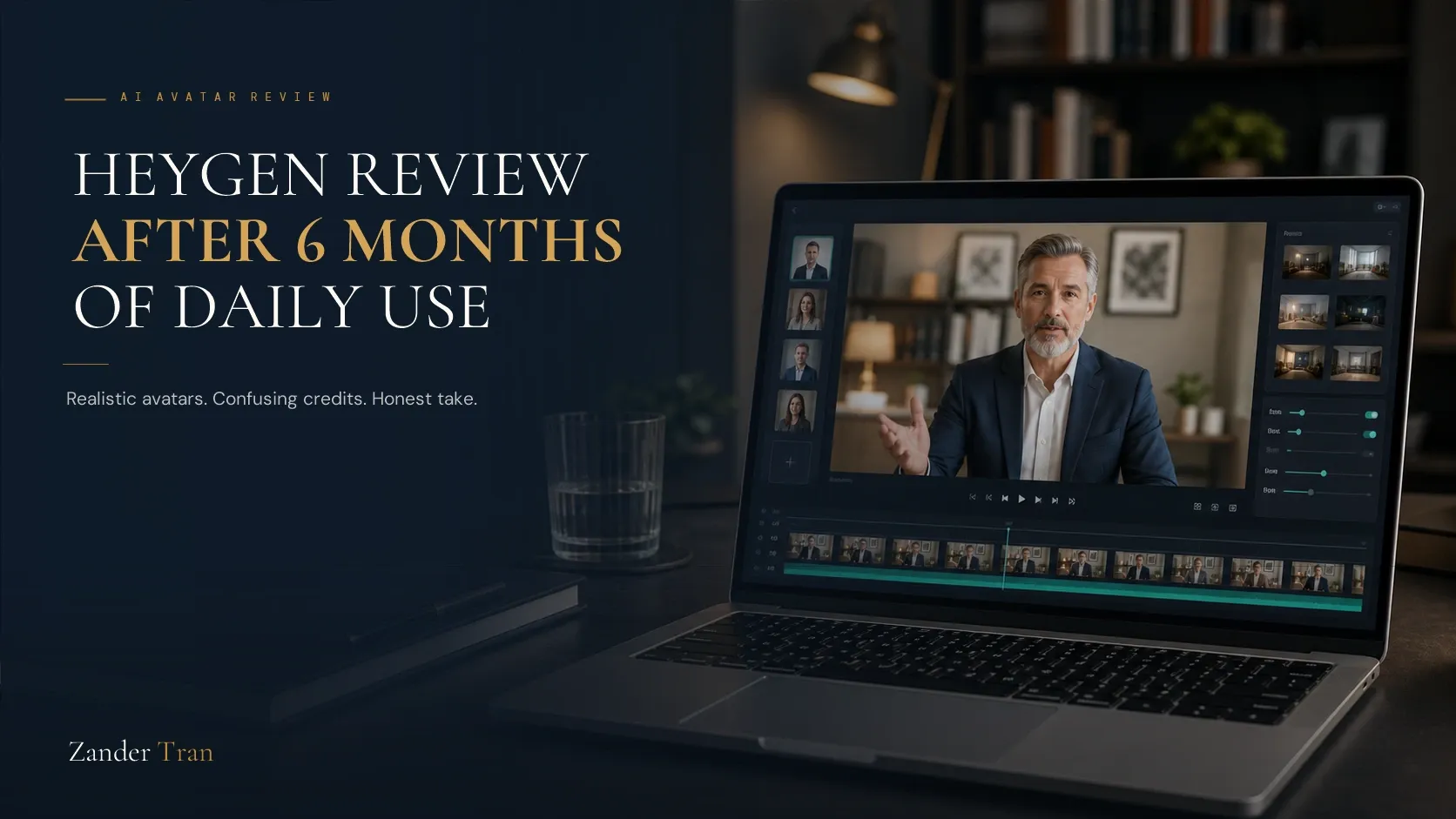
I've opened HeyGen almost every day for six months. Not to produce a flood of content. To keep one voice consistent across a platform I built without ever turning on a camera.
That distinction matters for how you read this review. Most HeyGen reviews online are written by agencies testing it for client scale, or by reviewers who spent an afternoon with the free plan. Neither of those is you. You're an experienced professional deciding whether an AI avatar is a credible way to show up, not a gimmick. This review is written from that seat.
Quick disclosure: the links here are affiliate links, and I earn a commission if you subscribe through them, at no extra cost to you. I'd be using HeyGen either way. It's the tool behind the avatar on this site.
Then keep reading, because the honest version of this review includes what doesn't work as well as what does.
Fast Facts
- Best known for: AI avatar video with realistic lip-sync and multi-language support
- Standout feature: Avatar IV, HeyGen's premium avatar model, produces the most natural micro-expressions and full-body gestures of any avatar tool I've tested
- Main limitation: the credit system. It's confusing until you understand it, and it quietly caps how much premium-quality video a lower tier actually gets you
- Price: Free to $149/month, plus custom Enterprise. Full breakdown in the HeyGen pricing guide
- Rating: 8.5/10
Avatar Realism
What I Found: this is where HeyGen earns its reputation. The Avatar IV model handles micro-expressions, eye movement, and hand gestures in a way that reads as a real person on a video call, not a talking portrait. It's not going to fool your spouse in a face-to-face conversation. It doesn't need to. It needs to hold attention for a three-minute video, and it does.
Longer scripts are where the seams show. On anything past a few minutes, I've noticed occasional small unnatural movements, a gesture that repeats, a blink that lands at an odd moment. Minor, but present. If you're producing short-form content, you likely won't catch it. If you're producing long-form training video, you will.
Ease of Use
What I Found: the learning curve is real but short. Script it, pick or build your avatar, generate. The interface doesn't require a production background, which was the entire point for me. I don't edit video for a living, and I don't want to start now.
Where it gets less intuitive: matching tone to script. HeyGen reads your text and delivers it, but subtle pacing choices, where to pause, where to land emphasis, take a few rounds of editing your script itself before the delivery sounds like you'd actually say it. That's not a HeyGen flaw specifically. It's true of every text-to-avatar tool. Worth knowing going in.
Language and Voice Support
What I Found: more than 175 languages, and the lip-sync translation feature is genuinely useful if any part of your audience isn't English-first. I haven't needed this heavily myself, but I've tested it, and the sync holds up better than I expected across languages with very different mouth-shape patterns than English.
The Credit System, Honestly
What I Found: this is the one place I'd tell you to slow down before you commit to a plan. HeyGen doesn't sell you "videos per month." It sells you credits, and different avatar models burn credits at wildly different rates. A ninety-second video using the premium Avatar IV model can run close to a hundred credits. On the entry-level Creator plan's six hundred monthly credits, that's roughly two premium videos a month, not the dozens the price might imply.
This isn't a dealbreaker. It's a planning problem. Once you understand the credit math (I walk through it fully in the pricing guide), you can budget your publishing schedule around it instead of getting surprised by it.
Where It Falls Short
What I Found: three honest limitations, beyond the credit confusion above. Camera work is fixed. You get the avatar's default framing, not multi-angle storytelling. Emotional range is good but not full-spectrum. It handles calm, direct delivery well; it's not built for a script that needs to swing from grief to triumph in ninety seconds. And support response time, in my experience, is slower than the price tag suggests it should be.
None of these erased the value for what I actually use it for. All three are worth knowing before you build your workflow around it.
Six Months In: What Actually Changed
The first month, I noticed the avatar. I was watching my own output the way a stranger might, checking for the uncanny moment, waiting to feel embarrassed by it. That feeling faded faster than I expected. By month three, I'd stopped thinking about the avatar entirely and started thinking about the script, which is the whole point. The tool is supposed to disappear behind the message.
What surprised me more: the audience adjusted faster than I did. Nobody has ever asked me to turn on a real camera instead. A few people have asked how it's made, out of curiosity, not skepticism. That's the reaction you want. Not "is this even real," but "how did you build this."
Who This Is Actually For
If you're an experienced professional who wants to show up on video without being on camera, and your content is calm, direct, expertise-driven delivery rather than high-drama storytelling, HeyGen is the strongest tool I've used for it. If you need an agency-scale production tool with flexible camera work and unlimited premium credits, you're going to run into the ceiling faster than the marketing suggests.
For most readers of this site, that first description is you.
Try HeyGen → (affiliate link) Then read the full pricing breakdown to find the plan that actually fits your publishing pace.
See how HeyGen stacks up against the other 11 tools we tested in the 2026 AI Tools Benchmark Report.
Watch The Invisible Expert Method
19 years building authority platforms for celebrities and executives. Now I built one for myself, without going on camera. Watch the free training to see exactly how it works.
Watch FreeIs HeyGen actually good, or is the hype overstated?
The avatar realism lives up to the hype, especially on the Avatar IV model. The credit system and pricing clarity don't. Go in knowing both.
How realistic do HeyGen avatars actually look?
Genuinely convincing for short and medium-length video. Micro-expressions and gestures are the strongest I've seen from any avatar tool. Longer scripts occasionally show small unnatural movements.
Is HeyGen hard to learn for someone who's never made video content?
No. The interface doesn't assume production experience. The real learning curve is in scripting for natural-sounding delivery, not in operating the software itself.
What's the biggest downside of using HeyGen?
The credit system. It's not obvious how many usable videos a plan actually gets you until you understand that premium avatar models burn credits much faster than standard ones.
Is HeyGen worth it for someone who isn't producing content at scale?
Yes, and arguably more so than for someone who is. A solo expert publishing once or twice a week gets real value from the Creator plan. An agency chasing volume will hit the credit ceiling fast and need to pay for a much higher tier.