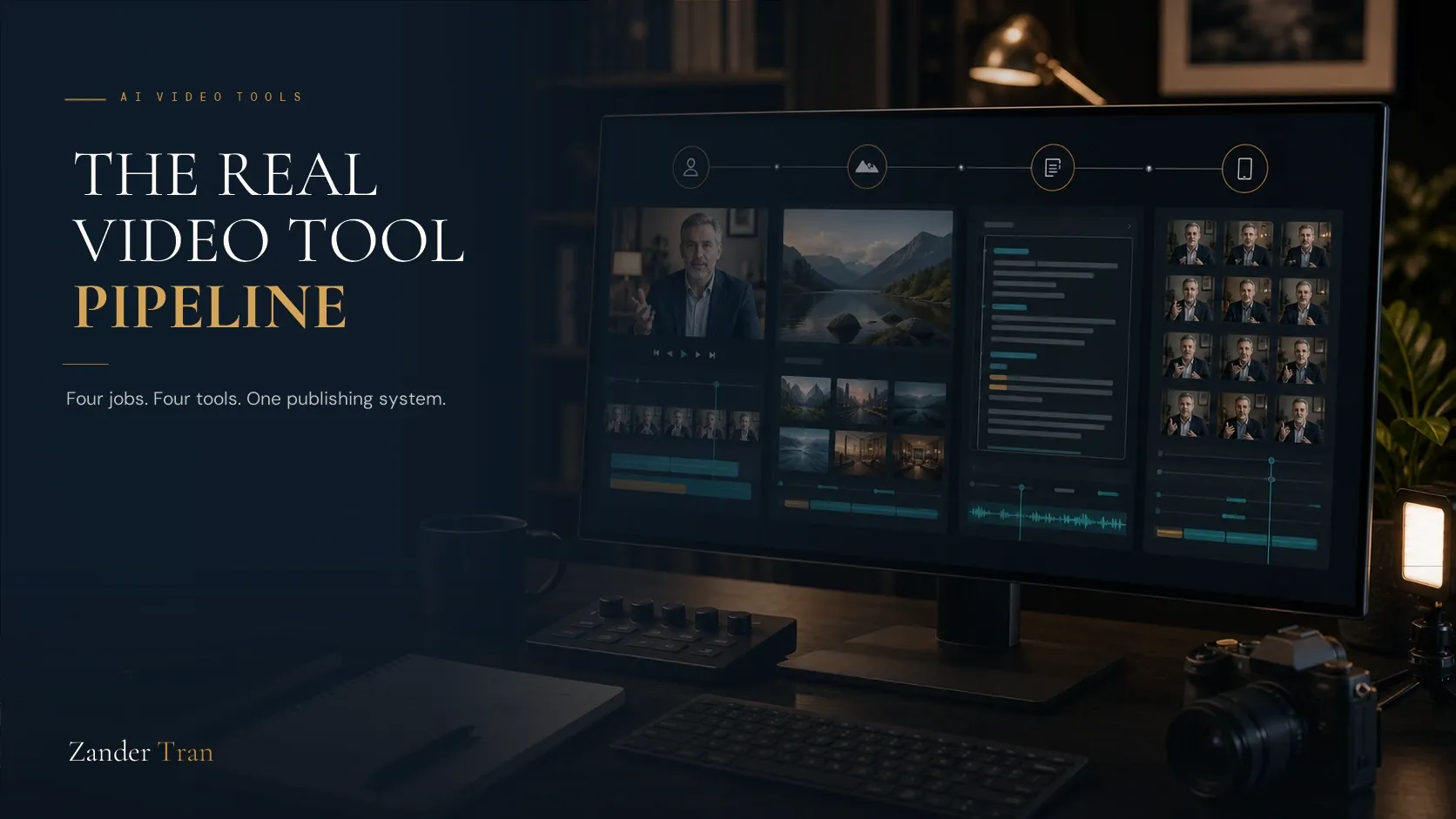
Most "best AI video tools" lists make the same mistake. They rank four avatar generators against each other like you're only ever going to need one tool for one job. A real publishing pipeline doesn't work that way. Recording a talking-head video, producing longer B-roll footage, editing it down, and repurposing it into shorter clips are four different jobs, and the tool that's best at one is rarely the best at the others.
This list is organized around that pipeline instead of a single category, and it's built from what actually gets used to produce authority content, not a generic scrape of whatever's trending. Quick disclosure: some of the links here are affiliate links, and I earn a commission if you subscribe, at no extra cost to you.
Then keep reading, because the tool you need depends on which stage of the pipeline you're stuck on.
The Pipeline, in Order
- HeyGen for talking-head, avatar-led video
- Synthesys.io for budget long-form B-roll
- Descript for editing and voice work in one place
- Opus Clip for turning long-form video into short clips automatically
1. HeyGen (Talking-Head and Avatar Video)
Our Verdict: the strongest tool for the specific job of building a recognizable on-screen presence without being on camera. I use it weekly for the avatar on this site. Price: $29/month (Creator), full breakdown in the pricing guide. The Best Part: the most expressive, realistic avatar output available right now, which matters more than raw feature count when the whole point is building trust. The Worst Part: the credit system takes some getting used to, and premium avatar quality burns through credits faster than the sticker price suggests. Best For: the core talking-head content your platform is actually built around.
2. Synthesys.io (Budget Long-Form B-Roll)
Our Verdict: the cheaper option when you need longer-form video and don't need HeyGen's top-tier avatar realism for every minute of it. I use this specifically for longer B-roll where HeyGen's pricing stops making sense. Price: Indie (entry) at $29/month, or about $20/month billed annually: 1,000 credits a month and 5 digital twins. Studio at $59/month (about $41/month annual) doubles that to 2,500 credits and 15 digital twins. There's no confirmed free tier as of this writing, unlike the other three tools on this list. The Best Part: meaningfully cheaper per minute of long-form output than HeyGen once you're producing video longer than a quick talking-head clip. The Worst Part: the avatar quality doesn't match HeyGen's Avatar IV model, and it's worth going in with your eyes open on the credit math specifically: there's a live customer complaint about videos burning credits at close to ten times the advertised rate. Confirm the current per-video cost before committing budget to a longer project. Best For: longer training or explainer content where budget matters more than top-tier realism.
Try Synthesys.io → (affiliate link)
3. Descript (Editing, Repurposing, and Voice in One Place)
Our Verdict: less a single-purpose tool than a workbench. Script-based editing, AI voice cloning, and repurposing all live in one product, which matters if you're tired of juggling four separate subscriptions for four separate steps. Price: Free for light use (60 minutes/month). Creator plan is $35/month billed monthly, or $24/month if you pay annually, for 4K export and full AI tool access. The Best Part: editing video by editing a text transcript instead of a timeline. If you've never edited video before, this removes the single biggest barrier to entry. The Worst Part: it's a generalist tool. Its voice cloning and avatar features are solid but don't match ElevenLabs or HeyGen's specialization in those specific jobs. Best For: someone who wants one tool that does everything reasonably well instead of several tools that each do one thing exceptionally.
4. Opus Clip (Long-Form to Short-Form, Automatically)
Our Verdict: the most useful repurposing-specific tool available, built entirely around one job: turning a long video into clips worth posting separately. Price: Free tier covers 60 minutes of processing a month, watermarked. Starter at $15/month removes the watermark and raises that to 150 minutes. Pro at $29/month adds AI virality scoring and multi-platform auto-posting. The Best Part: it finds the strongest moments in a long recording automatically, instead of you scrubbing through an hour of footage looking for a good thirty seconds. The Worst Part: it's purely a repurposing tool. It needs existing long-form video to work from. It doesn't create anything from scratch. Best For: turning one long-form piece, a podcast episode, a webinar, a longer HeyGen or Descript recording, into several short clips without manually re-editing each one.
What About Generic Text-to-Video Generators?
Tools that generate entirely new video from a text prompt, no avatar, no source footage, show up constantly in "best AI video tools" roundups, and they're solving a different problem than the one this list covers. They're built for abstract b-roll, concept visualization, and creative footage that doesn't exist yet. What they're not built for is a consistent, recognizable presenter delivering your actual expertise.
If your goal is building visible authority around your own knowledge, a text-to-video generator produces footage with nobody's face and nobody's voice attached to it. It's a supplementary tool for stock-footage replacement, not a replacement for any of the four above.
Where Each Tool Fits a Real Budget
Not every reader needs all four subscriptions running at once. A reasonable starting stack for someone publishing once or twice a week runs HeyGen's Creator plan and Descript's free tier together, well under fifty dollars a month combined. Synthesys.io only earns its keep once you're regularly producing content longer than a few minutes, and Opus Clip only pays for itself once you have enough long-form content built up to be worth clipping.
Add tools in the order your actual bottleneck shows up, not in the order this list presents them.
How These Four Actually Fit Together
Used as one pipeline instead of four competing options, this gets simpler than it looks. Record the core talking-head content in HeyGen. Use Synthesys.io when a piece needs to run longer and doesn't demand top-tier avatar quality throughout. Edit and clean up in Descript, where cutting the transcript cuts the video. Feed the finished long-form piece into Opus Clip to generate the short-form versions automatically.
Four tools, four distinct jobs, none of them competing with each other for the same task.
Try HeyGen → (affiliate link) Then check the full pricing breakdown to find the plan that fits your actual publishing schedule.
Watch The Invisible Expert Method
19 years building authority platforms for celebrities and executives. Now I built one for myself, without going on camera. Watch the free training to see exactly how it works.
Watch FreeDo I need all four of these tools, or can I start with just one?
Start with whichever solves your current bottleneck. If you're not publishing any video yet, HeyGen solves the biggest barrier. If you're already recording but drowning in editing time, Descript solves that instead.
What's the cheapest way to get started with AI video tools?
Descript's free tier is the most usable starting point across this list, since it covers editing without a hard paywall on basic functionality. HeyGen and Opus Clip both have workable free tiers too, just with tighter limits.
Is Synthesys.io the same thing as Synthesia?
No, and this trips people up constantly. They're separate companies with similar-sounding names. Synthesys.io is the budget long-form option covered here. Synthesia is a different, more expensive tool covered in the HeyGen vs Synthesia comparison elsewhere on this site.
Can Opus Clip work with video I didn't record in HeyGen or Descript?
Yes. It works from any uploaded long-form video regardless of what tool produced it, including a straight camera recording or a Zoom call export.
Which of these tools is best for someone who's never edited video before?
Descript, without much competition. Editing by deleting words from a transcript instead of manipulating a timeline is the lowest possible barrier to entry for a first-timer.